What is postmark and how to add postmark records ?
What is a postmark? Postmark is an email delivery service that ensures the emails arrive to the recipients inbox quickly and efficiently. We use Postmark SMTP on every site hosted with us so you never lose a single email that is being sent from your domain/contact forms. Postmark use Sender Signatures and Domain Verification to ensure you own the mailboxes you want to send from, as this helps prevent spam and abuse. These safeguards are one of the ways we maintain a great reputation with ISPs and are able to get your emails to the inbox reliably and quickly.
How to add Postmark records in your DNS? Once you add a domain to your site you will then see generated DKIM and Return-Path records for the domain. To find these records:
Navigate to https://my.bionicwp.com/
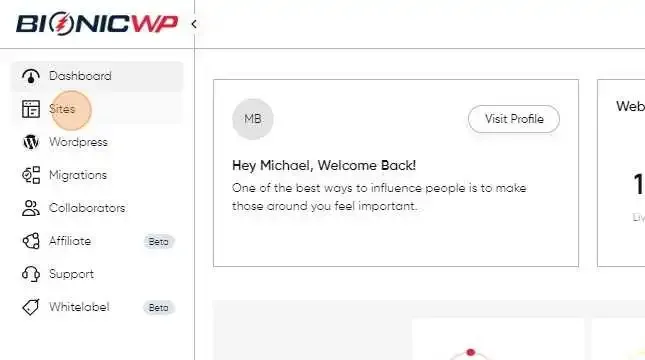
Click "Sites"
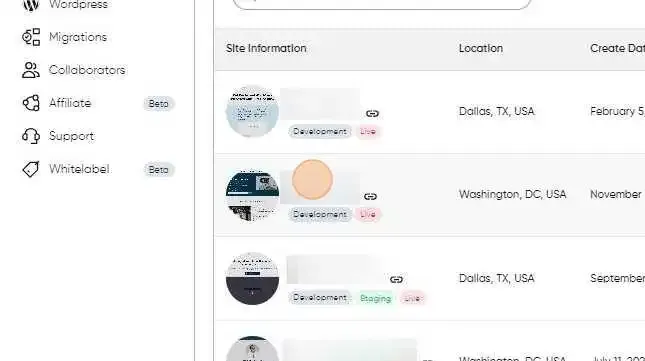
Find the site you want to add records for and then click on the screenshot or URL of that to go to the site dashboard.
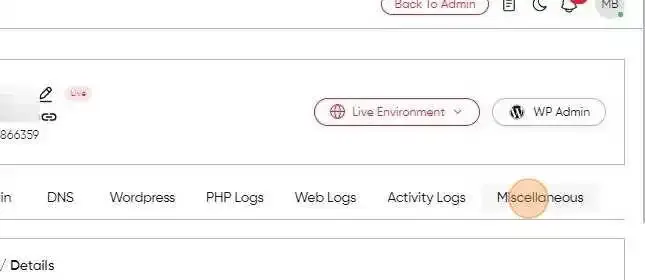
In the site dashboard, switch to the “Miscellaneous” tab
Scroll down to the “Postmark” section
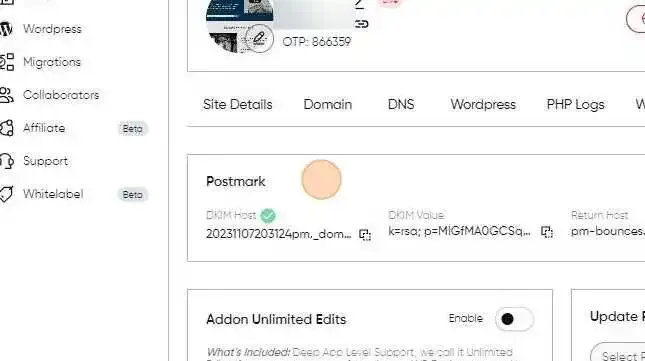
There are two types of records to add, a DKIM (which is a TXT record) and a Return path (which is a CNAME record) in order for Postmark to work.
Add the DKIM record as type TXT to your DNS, with the Host and Value that was generated.
Add the Return Path record as type CNAME to your DNS, with the Host and Value that was generated.
Once the DKIM and the CNAME record are added, it can take up to 48 hours for the DNS changes to propagate.
Make sure all your ” From Email ” in your forms are set to send from the domain of the site, for example, “[email protected]”. If the “From email” is not set to send from the domain in question your emails won’t send.