Invite Collaborators on BionicWP Platform
2 min
Navigate to https://my.bionicwp.com/
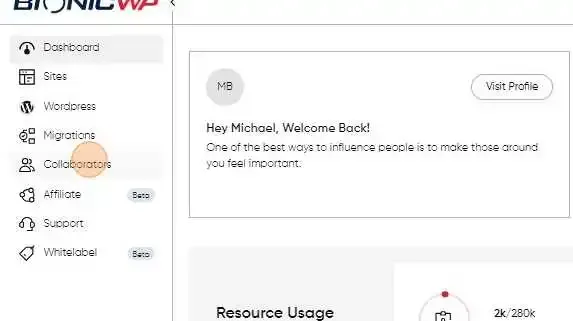
Log into your account and go to “Collaboration” in the left navigation.
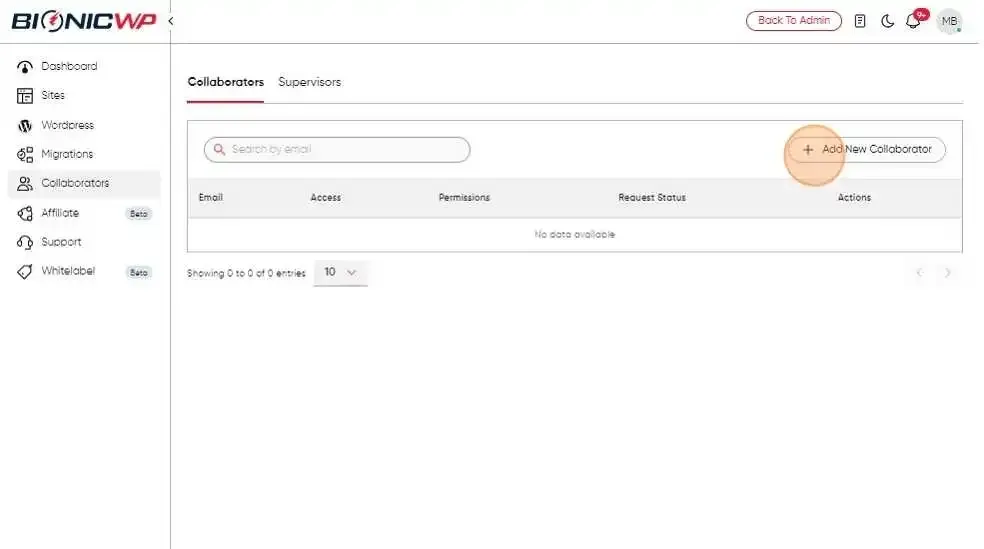
Click the “Add New Collaborator” button to begin the process
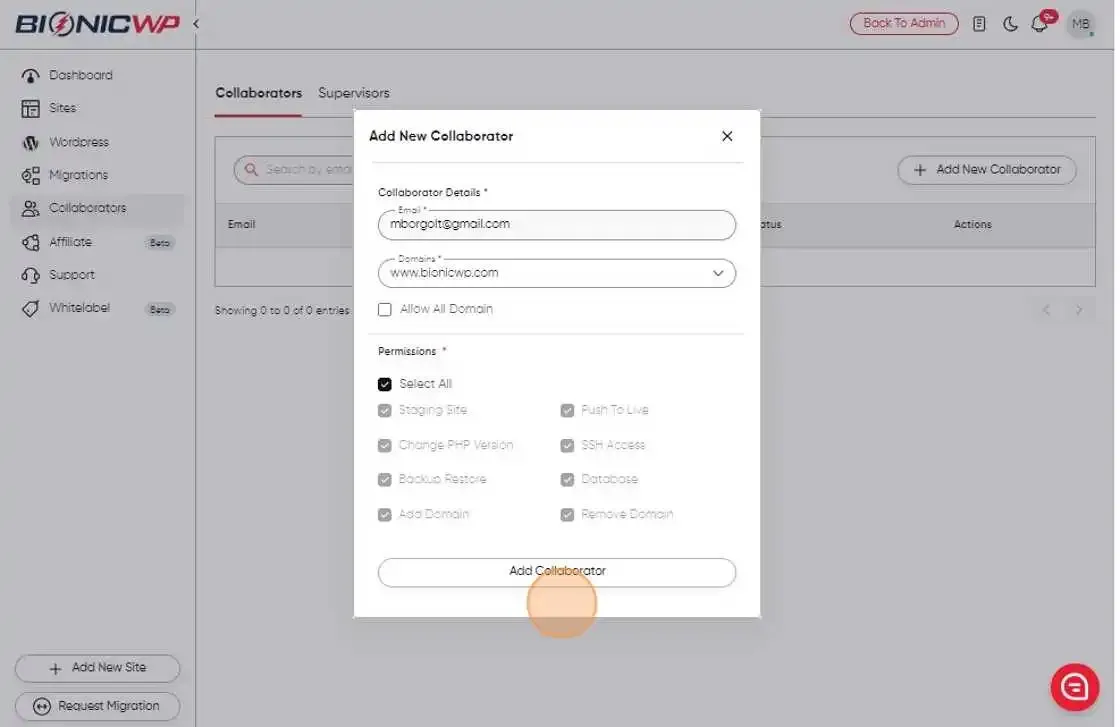
Enter the email and domain of the person you want to share access with, along with the specific permissions you want to grant them.
If the person you’re adding already has an account with us, they will receive a notification to accept or decline the invitation under the Collaborators tab. If not, they will receive an email with a link to create an account and accept the invitation.
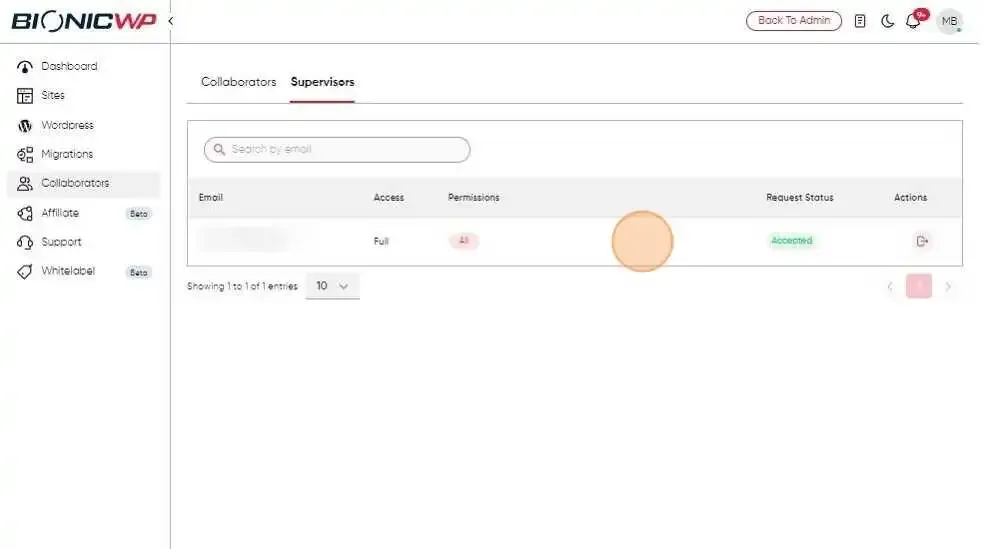
The collaborator can access the sites via their BionicWP account, once the invite is accepted