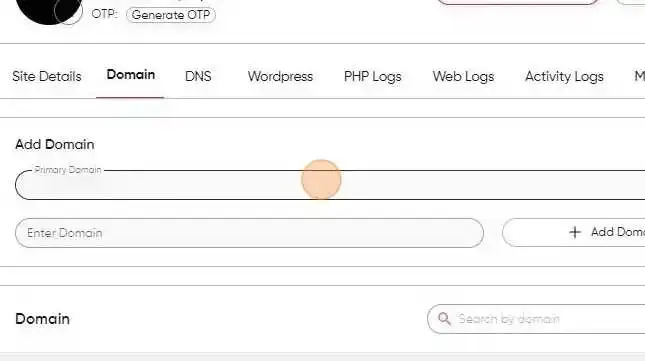
How to Add a Domain in BionicWP
2 min
Navigate to https://my.bionicwp.com/
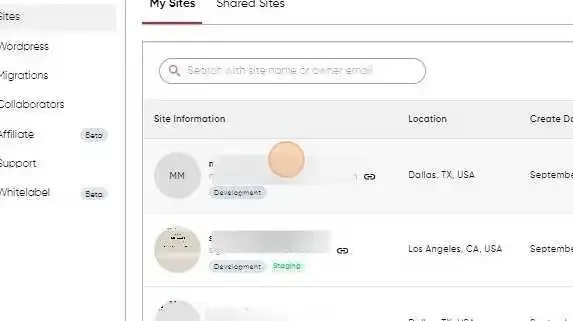
Log into your account and go to “Sites” in the left navigation.

Find the site you want to add your domain
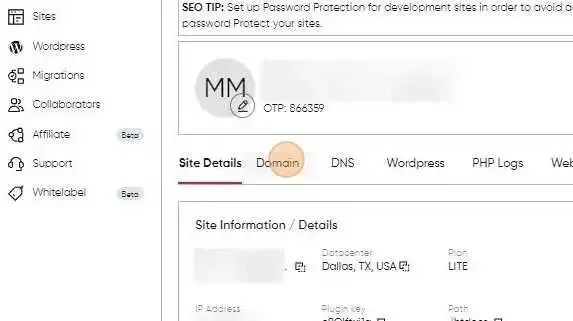
Click "Domain"
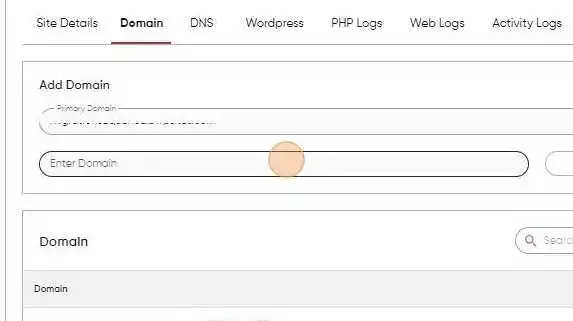
Click the "Enter Domain" field and add Domain
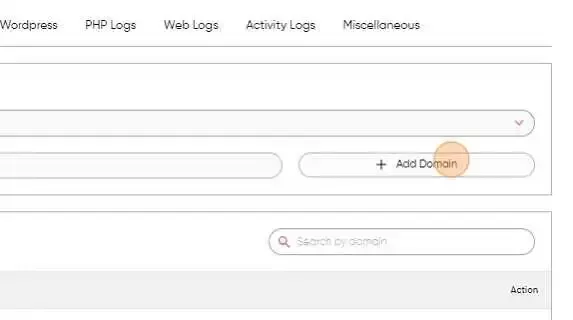
Click "Add Domain". And your domain will be added.
Select the primary domain (www or non-www) to complete the process