How To Delete a Site on BionicWP
1 min
Navigate to https://my.bionicwp.com/
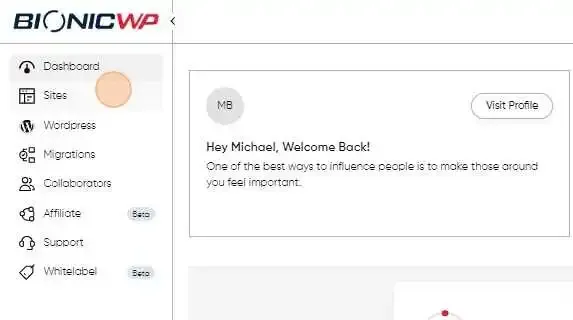
Log into your account and go to “Sites” in the left navigation.
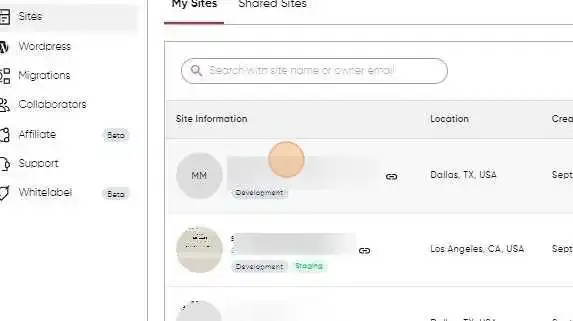
Find the site you want to delete.
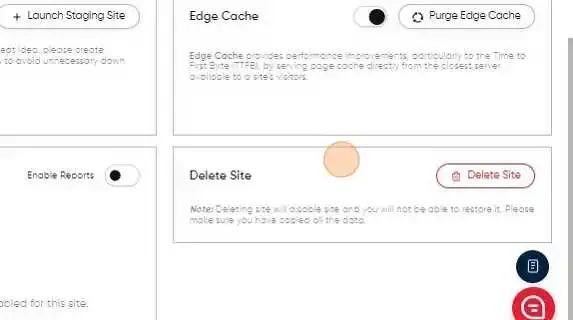
Scroll down the site dashboard until you see the “Delete Site” Section.
In the “Delete Site” section click on the “Delete Site” button.
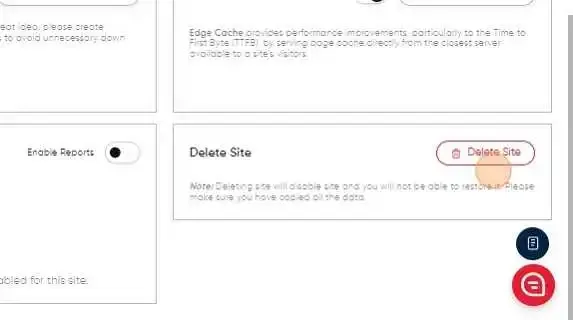
This will Delete the site immediately and you won’t be able to restore it.Please reach out to [email protected] if you accidentally deleted the site.