Setting Up a New Site on BionicWP
2 min
Navigate to https://my.bionicwp.com/
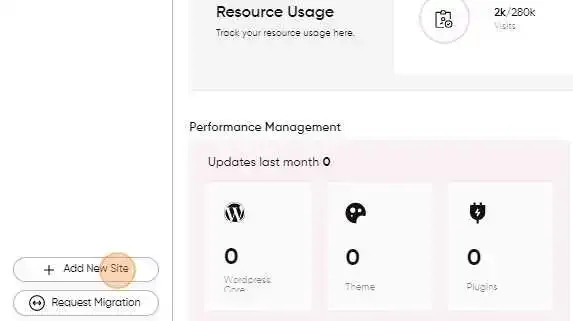
Click on “+ Add New Site” button in the bottom left of the sidebar
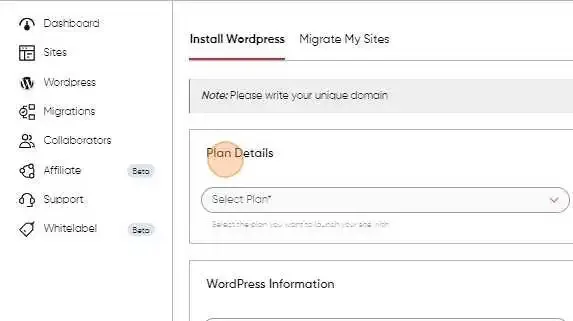
Select the site plan you want your site to be launched on
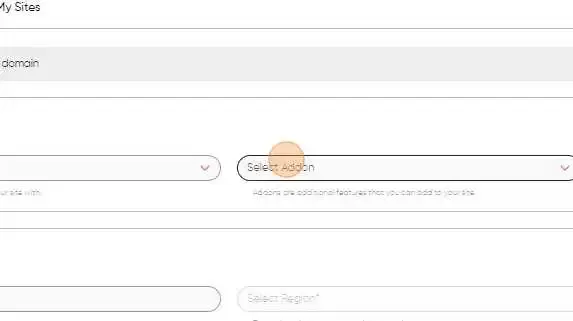
Unlimited Edits addon (if you want them enabled)
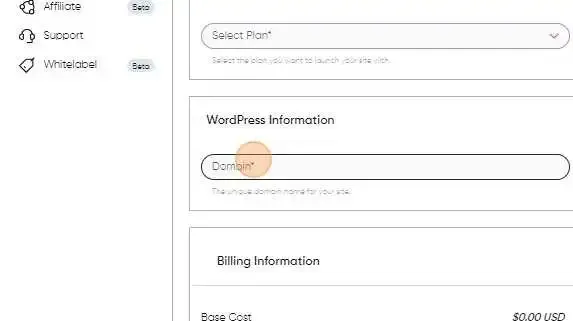
Enter your Domain name
Select the server location
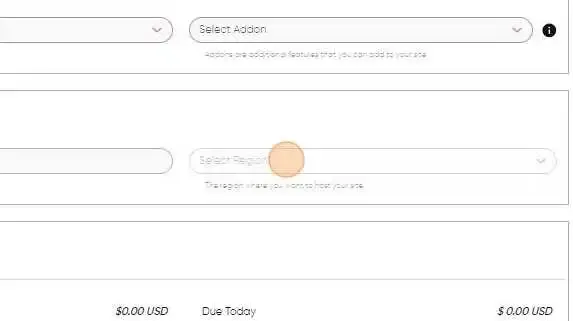
The billing section will show the total amount for your selected add-ons plus the cost of hosting your site
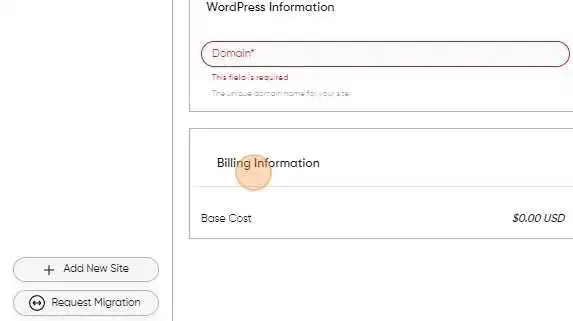
Lastly, clicking “Launch” will redirect you to the secure payment page, and once paid, your new site will be launched.