How to Clone a site on BionicWP
1 min
Navigate to https://my.bionicwp.com/
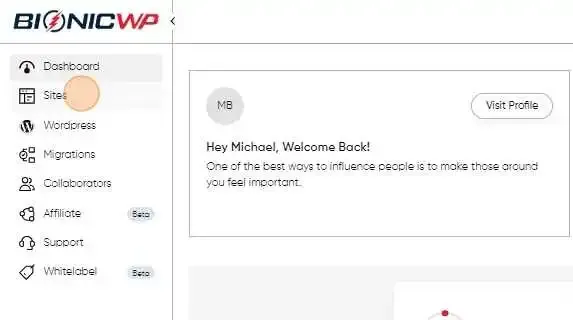
Log into your account and go to “Sites” in the left navigation.
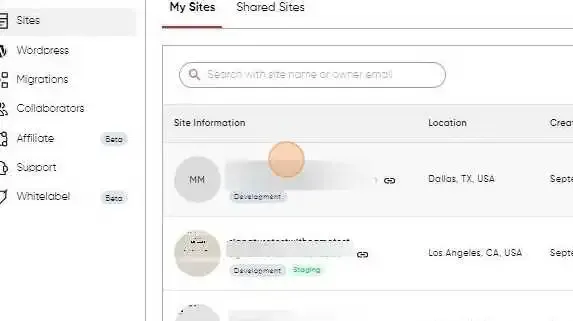
Find the site you want to clone.
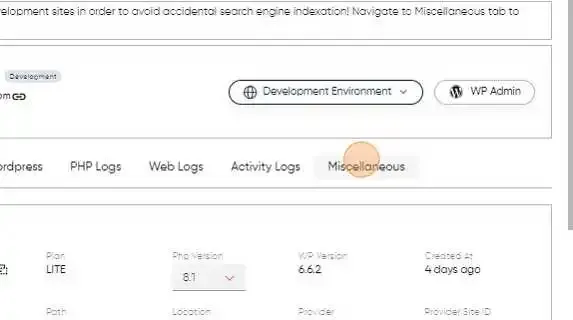
In the site dashboard, navigate to the “Miscellaneous” tab and enter the site details in the clone section.
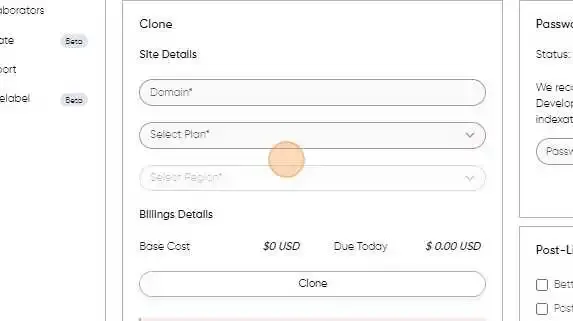
Enter the domain you want to clone to, select the region and then the plan, and click “Clone”
Congratulations! Your site will be cloned under a development domain for you to work on.