Regenerate Credentials in BionicWP Dashboard
1 min
Navigate to https://my.bionicwp.com/
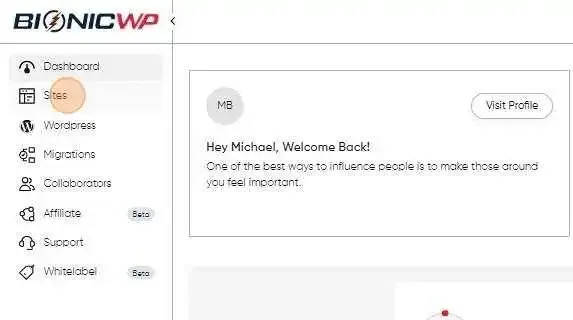
Log into your account and click on “Sites” from the left navigation.
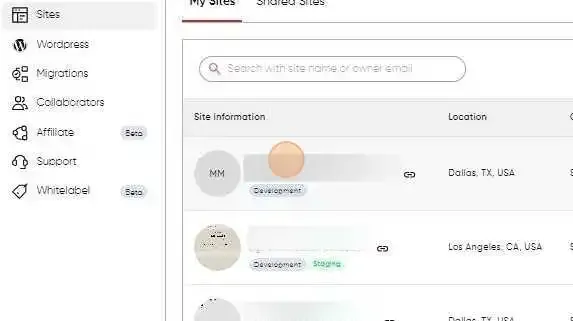
Find the site you want to get sFTP information.
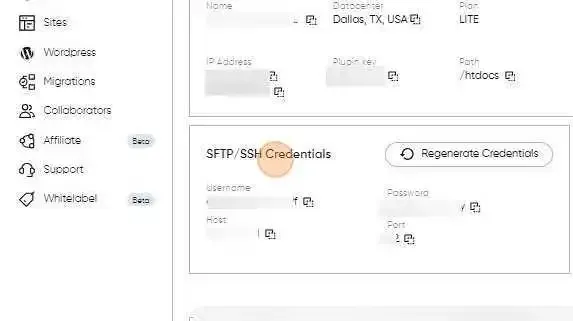
Scroll down to the “sFTP/SSH” Section.
Click on “Regenerate Credentials”.
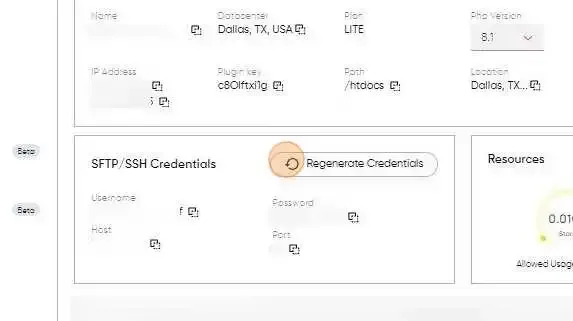
It’s that easy! Credentials have been generated for sFTP