How To Push a site from Staging to Live Environment in BionicWP
2 min
Navigate to https://my.bionicwp.com/
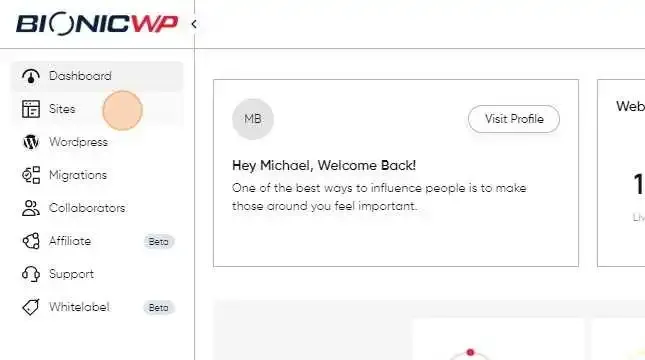
Go to "Sites"
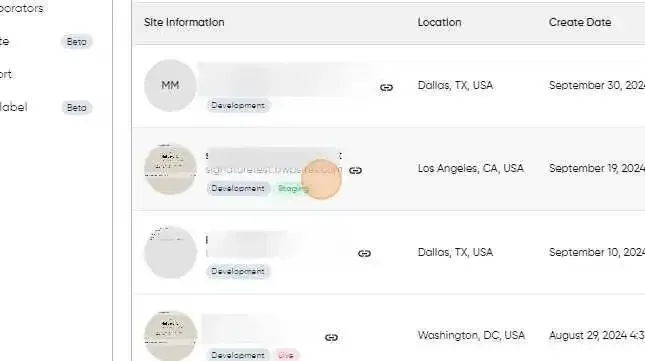
Find the site you already have staging for and want to push live, and click on the screenshot or URL. This will load the site dashboard.
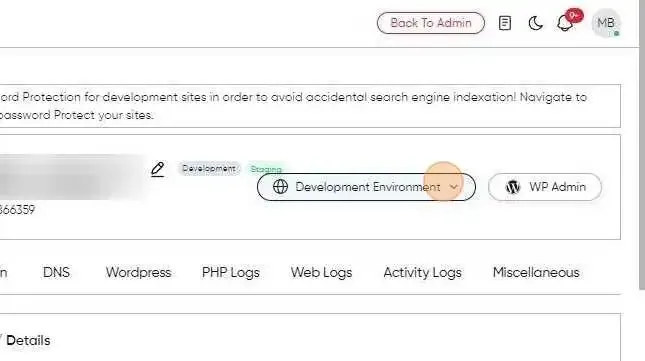
Now click on Site Environment next to the site URL to ” Staging Environment “
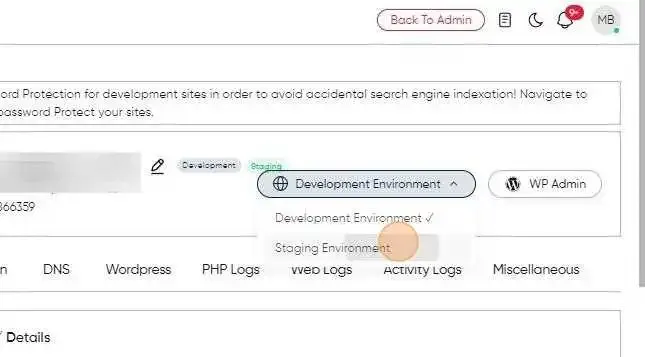
Select "Staging Environment"
Scroll down to "Push to Live"
Hit "Push to Live" to push the staging site to live
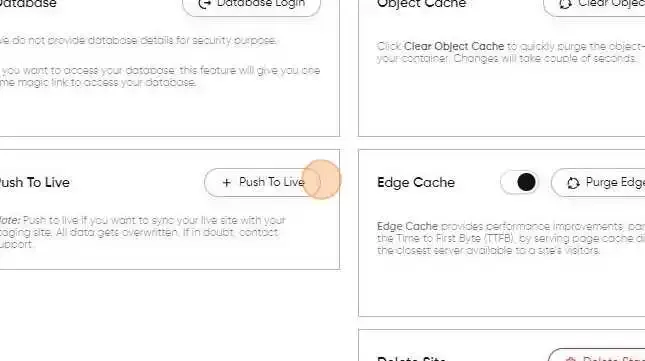
Once you’ve pushed the site to the Live environment, all of the site data on the staging site would be copied over to the live site.
Your Staging site is now Live, Yay!