Accessing Database Login on BionicWP
1 min
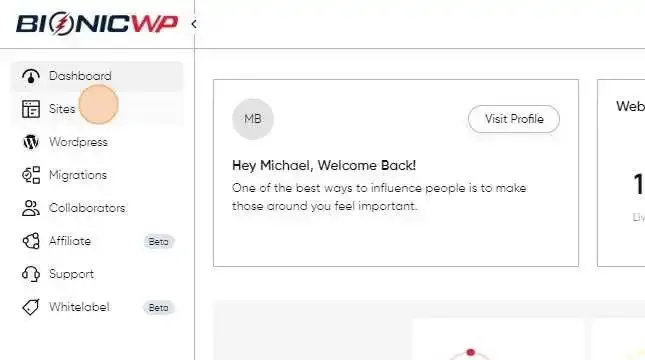
Navigate to https://my.bionicwp.com/
Click "Sites"
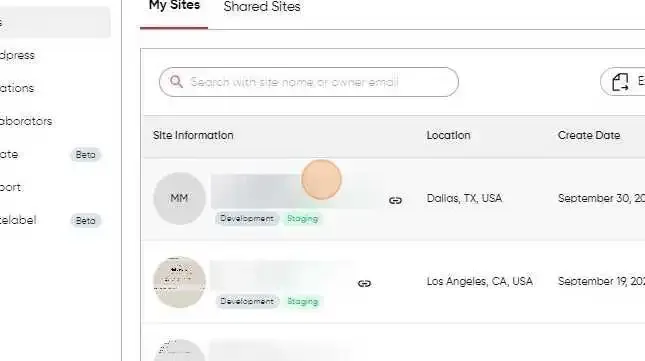
Find the site you want to access the database for by clicking on the screenshot or URL of site
Find the “Database” section on the sites details area
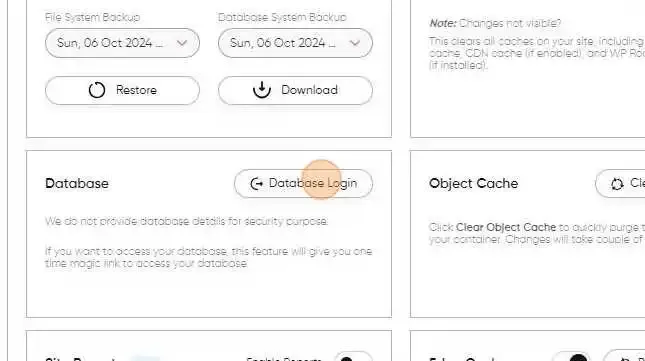
Clicking it will take you to your Database.